Depth of Fields

  • Thread starter Thread starter yepreef
  • Start date Start date
  • Tagged users None

yepreef

Active Member
View Badges
Joined
Jun 8, 2018
Messages
215
Reaction score
72
Rating - 0%
0   0   0
571e9c41c638f96a00e02f459c251386.jpg

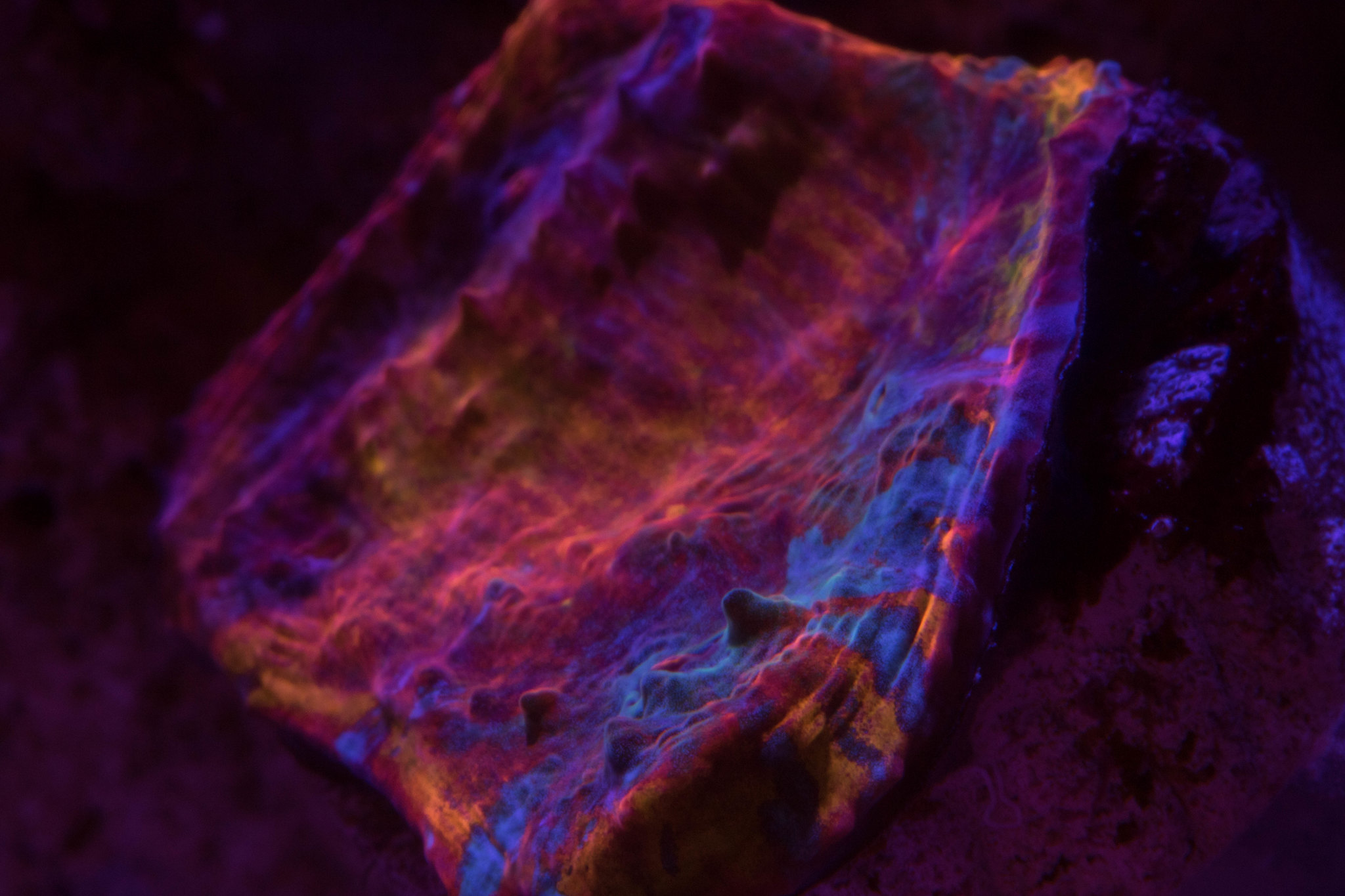
So, can anyone give me some tips for taking good depth of field like a picture above?

I can’t seem to do that good, below is few of my pic that does not have good depth of field .

01a318793bfbf81b97b33144def0654b.jpg

fbdebf4b3648950f20de33dc8ffdddf1.jpg
 
What camera are you using?

I decided to finally read and learn how my camera works after three years:rolleyes: One of the videos I watched today ,the depth of field settings were discussed.
 
Hi @yepreef , one of the big problems of using a macro lens (in fact any lens) on aquariums . You need lots of light. The smaller the aperture you use, the greater depth of field, but with a small aperture you will need a slower shutter speed so any movement will blur. For macro shots you can use a doughnut flash or macro lens flash. This fits over the lens and will allow smaller aperture, therefore longer depth of field. Please note, smaller the aperture the larger the f number so f1.4 is actually a larger aperture (in size) than f 22. Hope that helps. Just persevere and take lots of shots at different settings, Always use a tripod, with a macro head plane shifter if possible and a remote shutter release to eliminate shake. Another trick is to crop the image or use a telephoto, the sweet spot will be larger.
 
I have the same camera with a Tokina 100mm lens. The first thing I notice is a problem I sometimes have. Your focusing on the base of the coral instead of the closest point. Make sure the closest point is in focus to fix that issue. Then you need to set the f stop high enough to get more of the coral in focus without losing so much light that the picture is ruined. I set mine somewhere between 8 and 12 depending on the coral. You will need a slower shutter speed and higher ISO to compensate for the f stop being higher. The picture preview on the camera will be very dark, but you can adjust it in Lightroom. Here is one of my photos. You can click on the photo and scroll down on the page to see my settings. There are a bunch of pictures on the site where you can see the lens and setting I used. Im no pro but this can at least get you started.

wd 2 031618 by Big Jim, on Flickr
 
I have the same camera with a Tokina 100mm lens. The first thing I notice is a problem I sometimes have. Your focusing on the base of the coral instead of the closest point. Make sure the closest point is in focus to fix that issue. Then you need to set the f stop high enough to get more of the coral in focus without losing so much light that the picture is ruined. I set mine somewhere between 8 and 12 depending on the coral. You will need a slower shutter speed and higher ISO to compensate for the f stop being higher. The picture preview on the camera will be very dark, but you can adjust it in Lightroom. Here is one of my photos. You can click on the photo and scroll down on the page to see my settings. There are a bunch of pictures on the site where you can see the lens and setting I used. Im no pro but this can at least get you started.

wd 2 031618 by Big Jim, on Flickr
+1 on the focusing on the closest point to you. I do this then progressively set higher Fstop until I get what I want (the beauty of digital). I shoot Canon and use a setting called "aperture priority" which lets you set the aperture, then sets everything else automatically (you can still change the settings, you just get the suggested settings set automatically).
Shot with f13, focused on the front
unreal hotstuff by Peter Young, on Flickr

Similar with f25
unreal hotstuff-2 by Peter Young, on Flickr


@BigJim beaut of a shot by the way.
 

IF YOU HAD TO TAKE A REEFING EXAM, WOULD YOU PASS?

  • Yes!

    Votes: 32 45.7%
  • Not yet, but I have one that I want to buy in mind!

    Votes: 9 12.9%
  • No.

    Votes: 26 37.1%
  • Other (please explain).

    Votes: 3 4.3%

New Posts

Back
Top