Filter for DSLR?

  • Thread starter Thread starter reelss
  • Start date Start date
  • Tagged users None

reelss

Active Member
View Badges
Joined
Jan 2, 2018
Messages
322
Reaction score
140
Rating - 0%
0   0   0
Hi,

I have a Nikon D600 and am just starting to get into taking pictures of my reef. I do not have a macro lens yet, but will be using a 50 mm prime.

Do I need a gel filter to be taking pictures? Any recommendations?

 
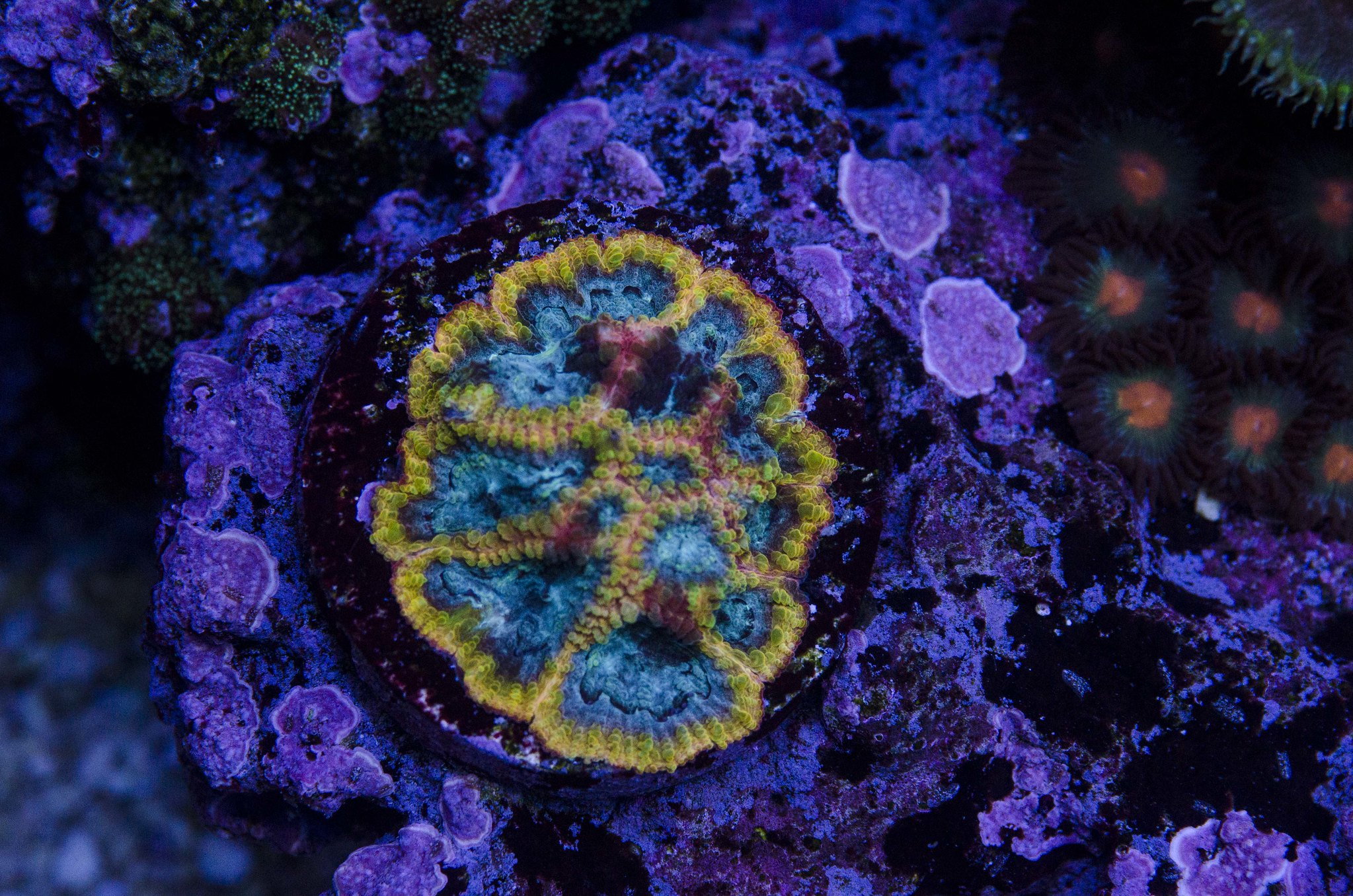
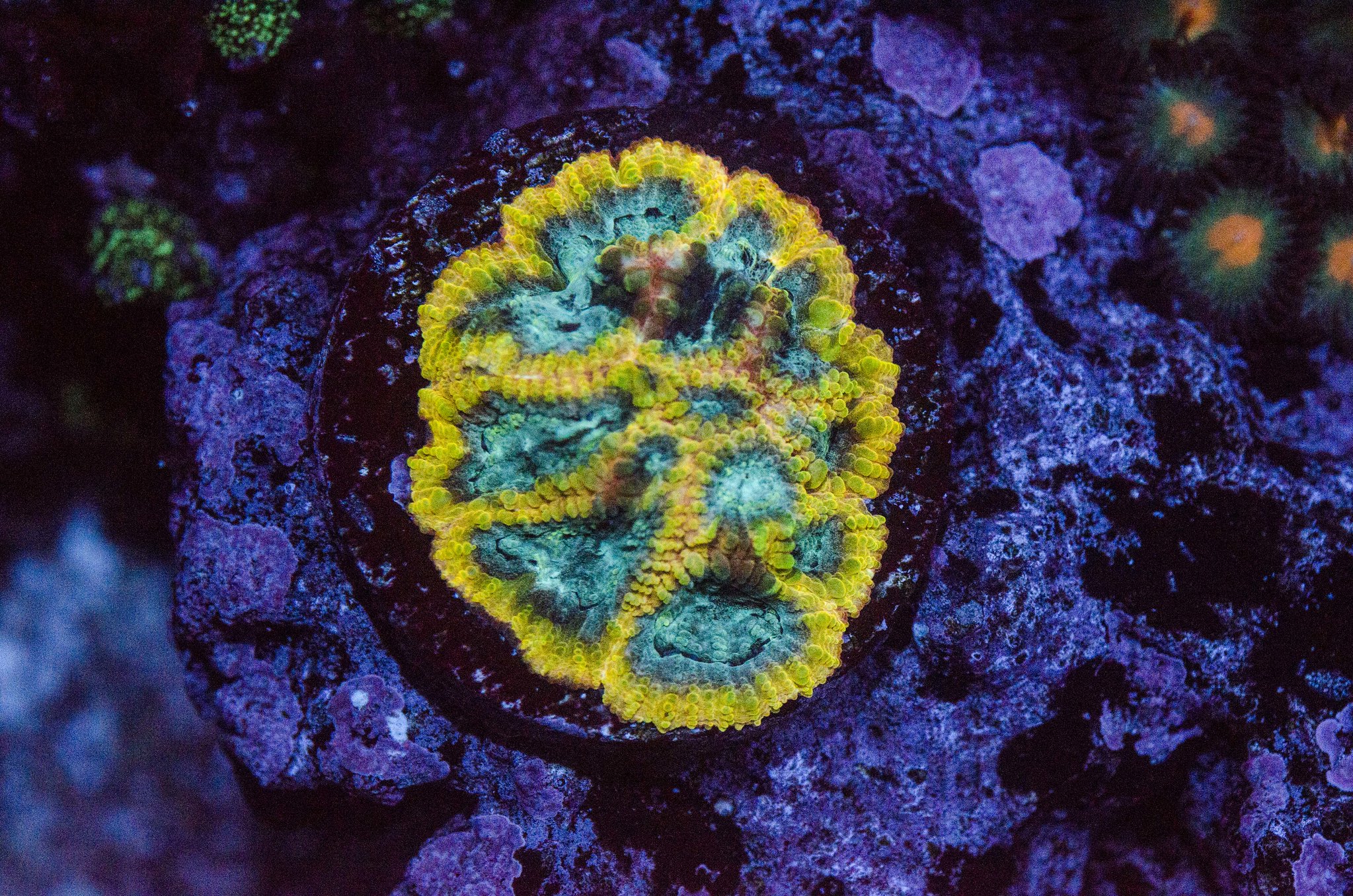
You really only need a gel filter if you are taking photos under very blue lighting. I realize "very blue" is subjective but I am not sure how else to put it. You will likely need Photoshop or some other photo processing tool to get the white balance accurate. Below is an example of photos of the same coral. The first was taken without a filter under "slightly blue" light and I adjusted the white balance in Photoshop. The second was taken under "very blue" lighting with a yellow filter. I made adjustments to the second picture in Photoshop as well. The filter allows me to get the pop from the blue light without the entire photo being washed out in blue.

full tilt 050518 by Big Jim, on Flickr
full tilt 042818 by Big Jim, on Flickr
 
I have used gels in the past successfully but wondered if anyone here has a screw on filter?
 
As an Amazon Associate we earn from qualifying purchases.
I have a 85b tiffen filter, but honestly I've found it to be easier to shoot RAW and adjust white balance in Lightroom. The trouble with a filter is finding one that is a match for the particular color spectrum you run over your tank.
 
I literally clicked 3 times in lightroom to adjust the image. On the right is from the camera on the left after 3 clicks. Just a demo, not a finished image. With a DSLR I would hope you are shooting raw.
20170429-103158_Canon EOS REBEL T2i-LA_IMG_4158.jpg 20170429-103158_Canon EOS REBEL T2i-LA_IMG_4158-2.jpg
 
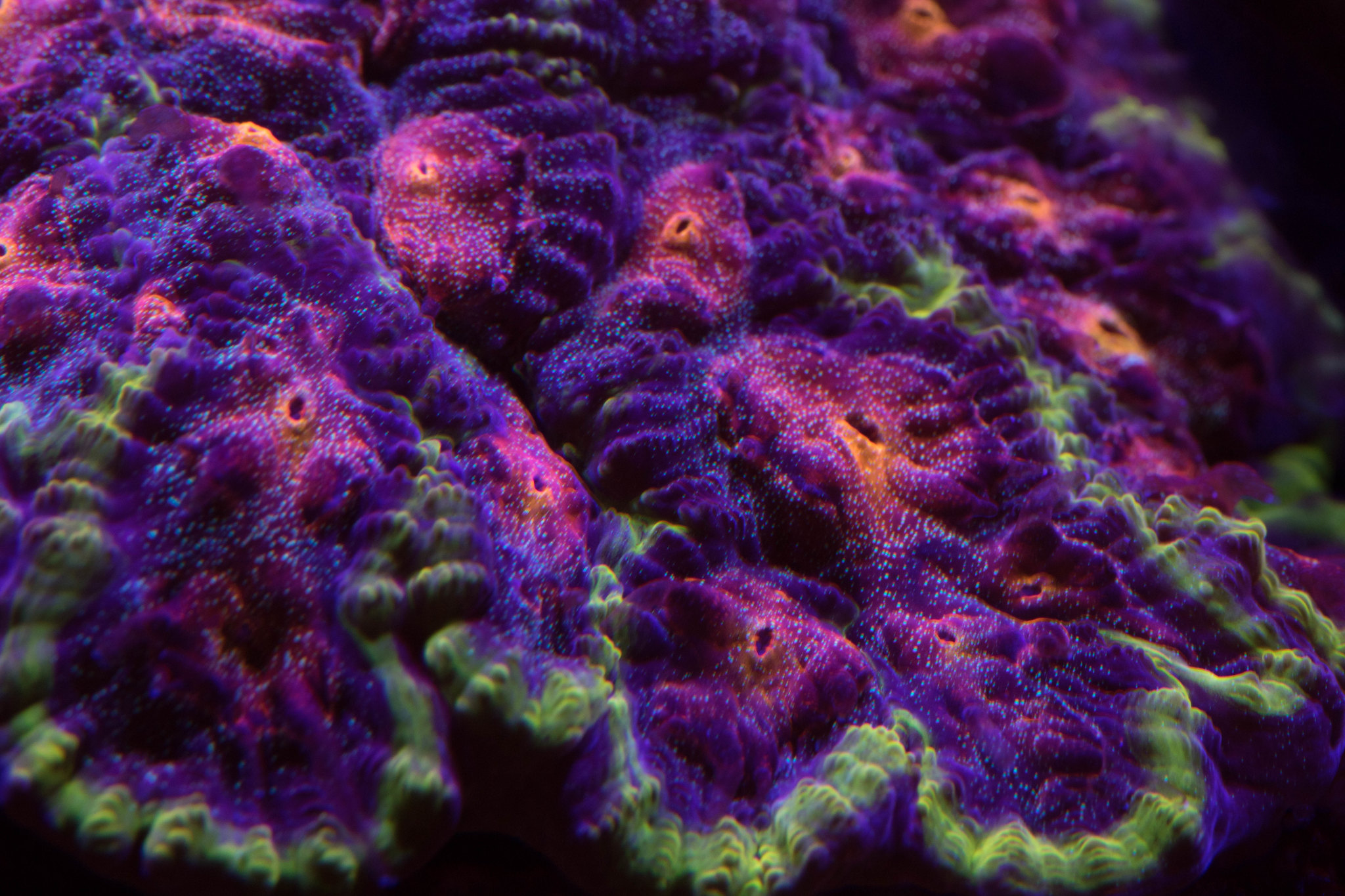
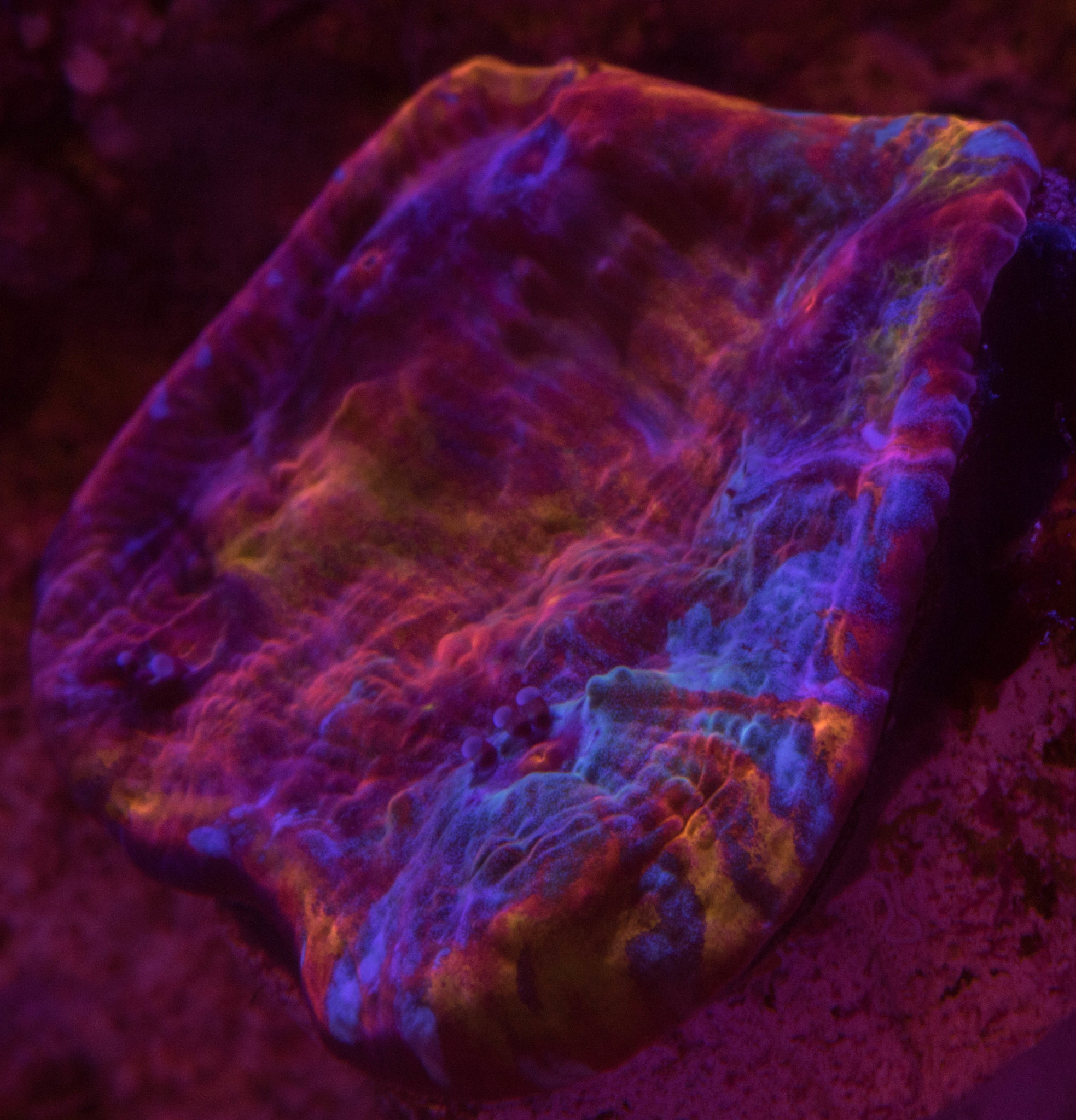
I've found that shooting with a red filter helps to bring out the red/orange when shooting under "heavy" blue lighting. I was never able to really get the blend of colors right just in Lightroom. Could be user error too. Takes much less post processing IMO, but makes things look funky under more white light (daytime).

Poinsettia-5 by Peter Young, on Flickr

maui-3 by Peter Young, on Flickr

hot stuff-3 by Peter Young, on Flickr
 
As an Amazon Associate we earn from qualifying purchases.
If you use a tool such as Lightroom it's easy to correct the white balance.
+1 for Lightroom. it's a better tool than Photoshop for light balance and just about anything photo related where you aren't actually fixing blemishes or removing things like worms that you didn't know about that photobombed the picture.
 
Another +1 for lightroom. I won't argue that using filters doesn't help as I've never tried, however lightroom and photoshop have proven to be a very powerful combination.
 
It seems to me that color correction should be even easier in a tank, than in the "real world".

You have a fairly static, unchanging color temperature. Even if your lighting varies over the day, it's most likely a relatively small set of static values that it cycles through. Use a grey card, or colorbalancing card, adjust as needed, then save the adjustment by a name that corresponds to the particular lighting scheme it was taken under: voila!

If you do this for your various lighting settings, then it should be as simple as shoot, import into LR, then set the color balance to the setting you've pre-defined. Hell, you could even set it up so it does it automatically in import, or at least export.

No?

--Gray
 

IF YOU HAD TO TAKE A REEFING EXAM, WOULD YOU PASS?

  • Yes!

    Votes: 32 45.7%
  • Not yet, but I have one that I want to buy in mind!

    Votes: 9 12.9%
  • No.

    Votes: 26 37.1%
  • Other (please explain).

    Votes: 3 4.3%

New Posts

Back
Top