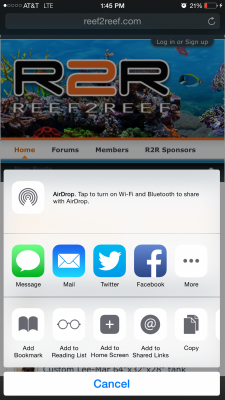
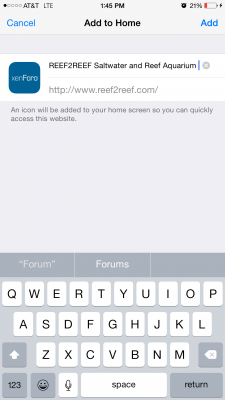
The app will be working shortly! Please also check out www.reef2reef.com on your mobile device. It's a TON better than tapatalk or our app. That's one of the perks of our new software!
Hope the tapatalk plug in is loaded soon. The mobile site is ok but I like to keep all my forums in one location and not a bunch of bookmarks. Like a simple dark theme in tapatalk and never have been a fan of the mobile forum software touch targets and lag bad. The new theme here is ok but its jut not the same as the new beta of tapatalk.