
Nikon D5500


Follow along with the video below to see how to install our site as a web app on your home screen.
Note: This feature may not be available in some browsers.






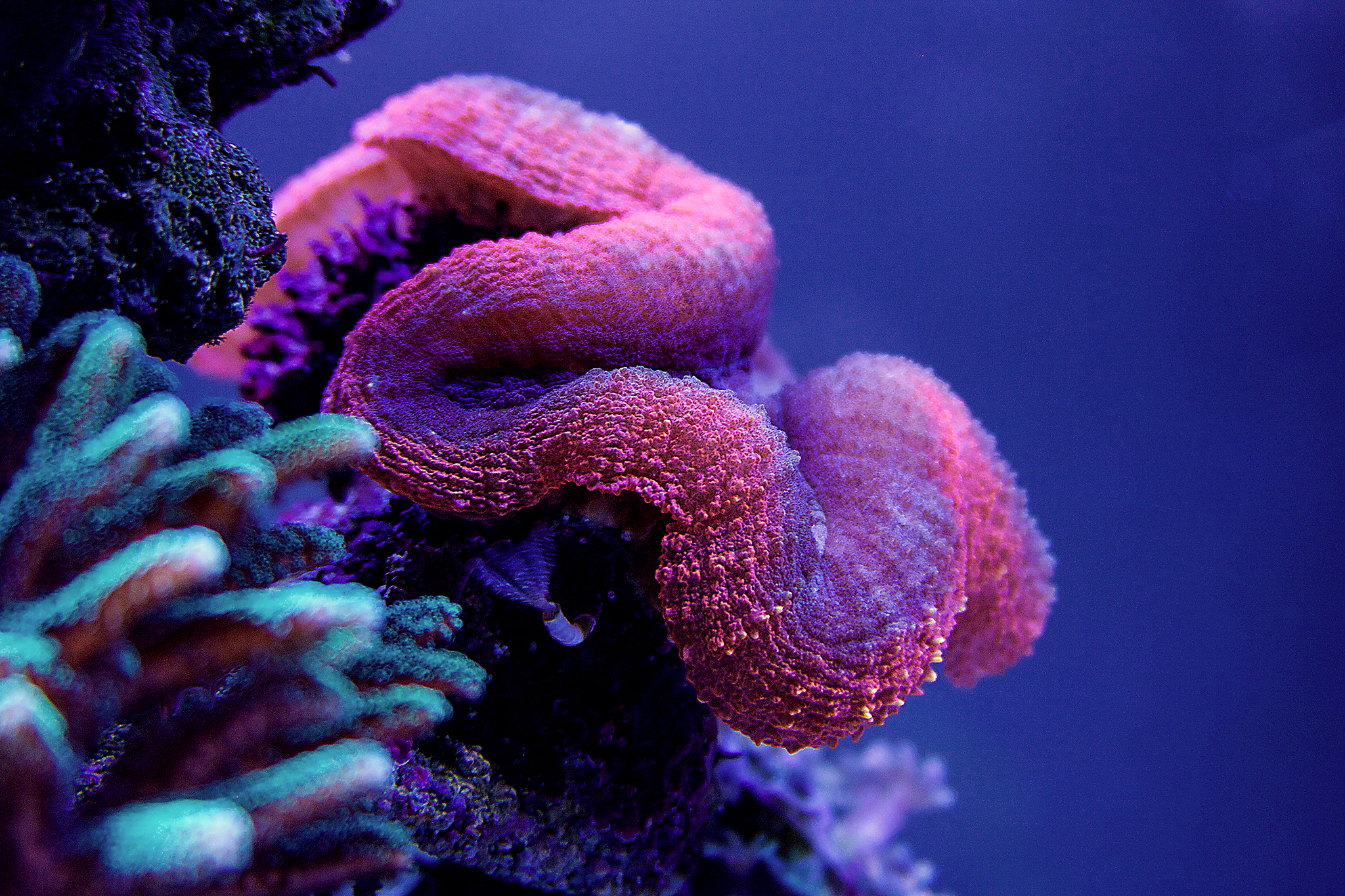 IMG_5753 by Toby Broadfield, on Flickr
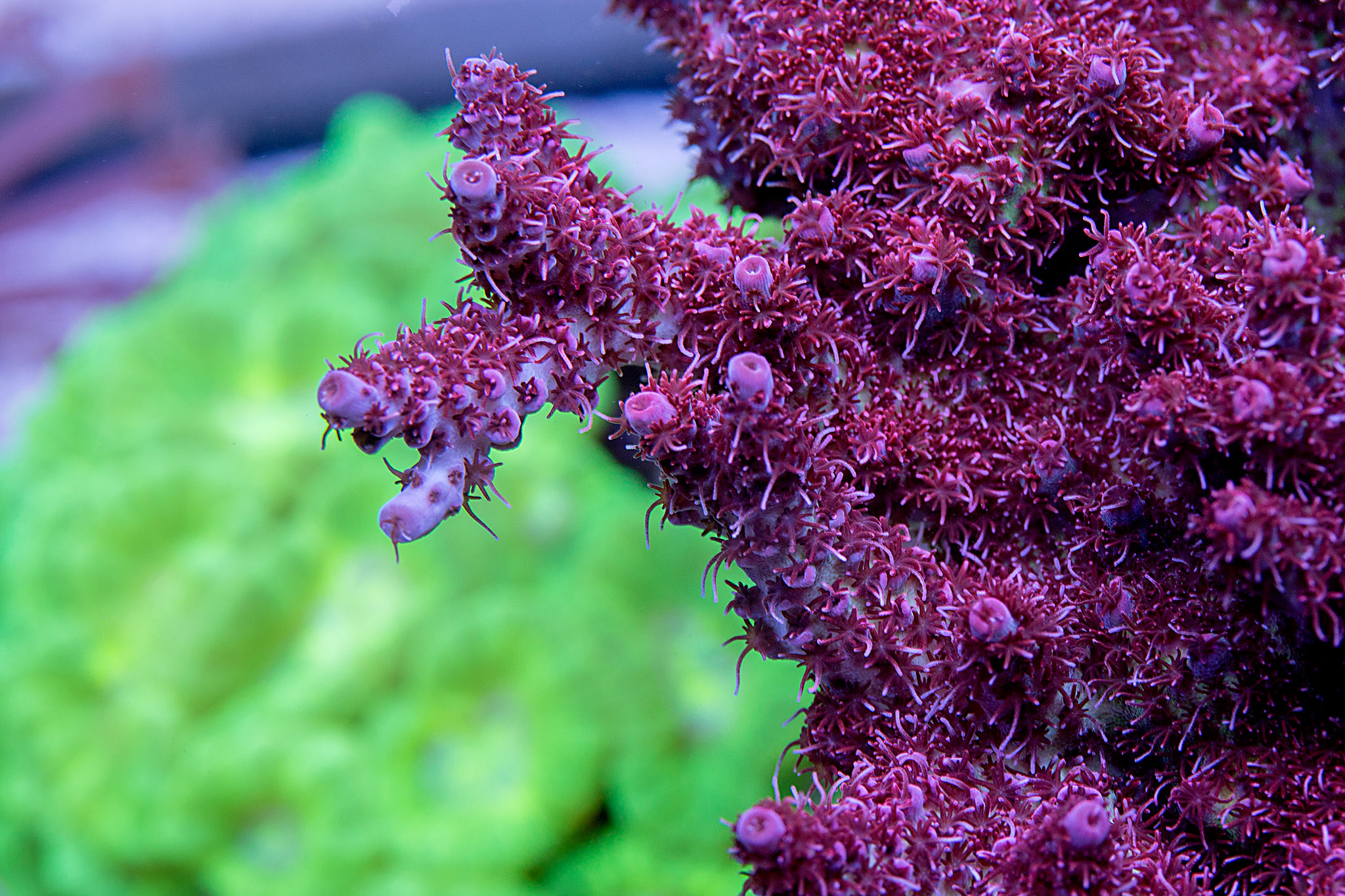 IMG_4402 by Toby Broadfield, on Flickr
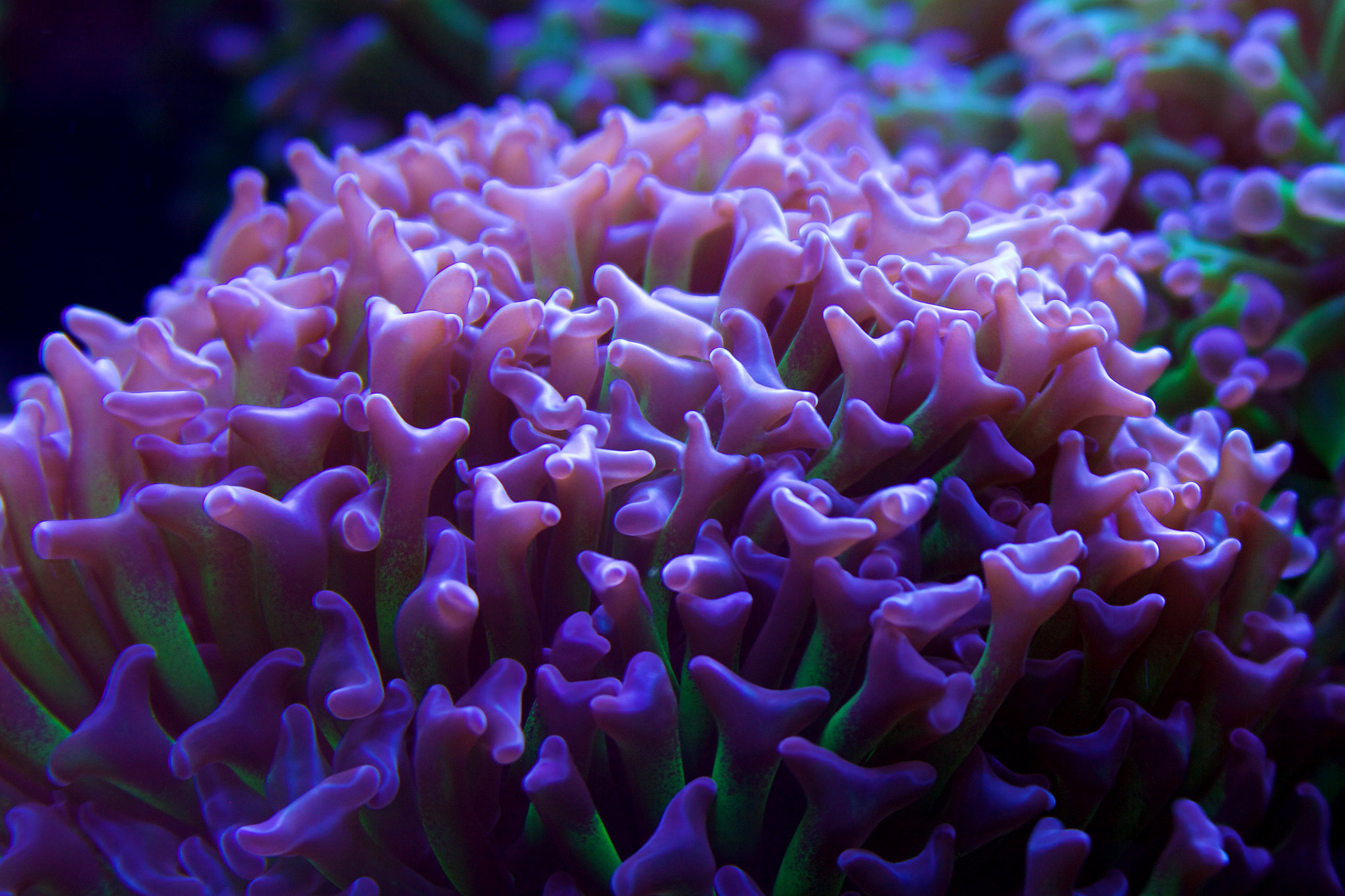 IMG_5768 (1) by Toby Broadfield, on Flickr
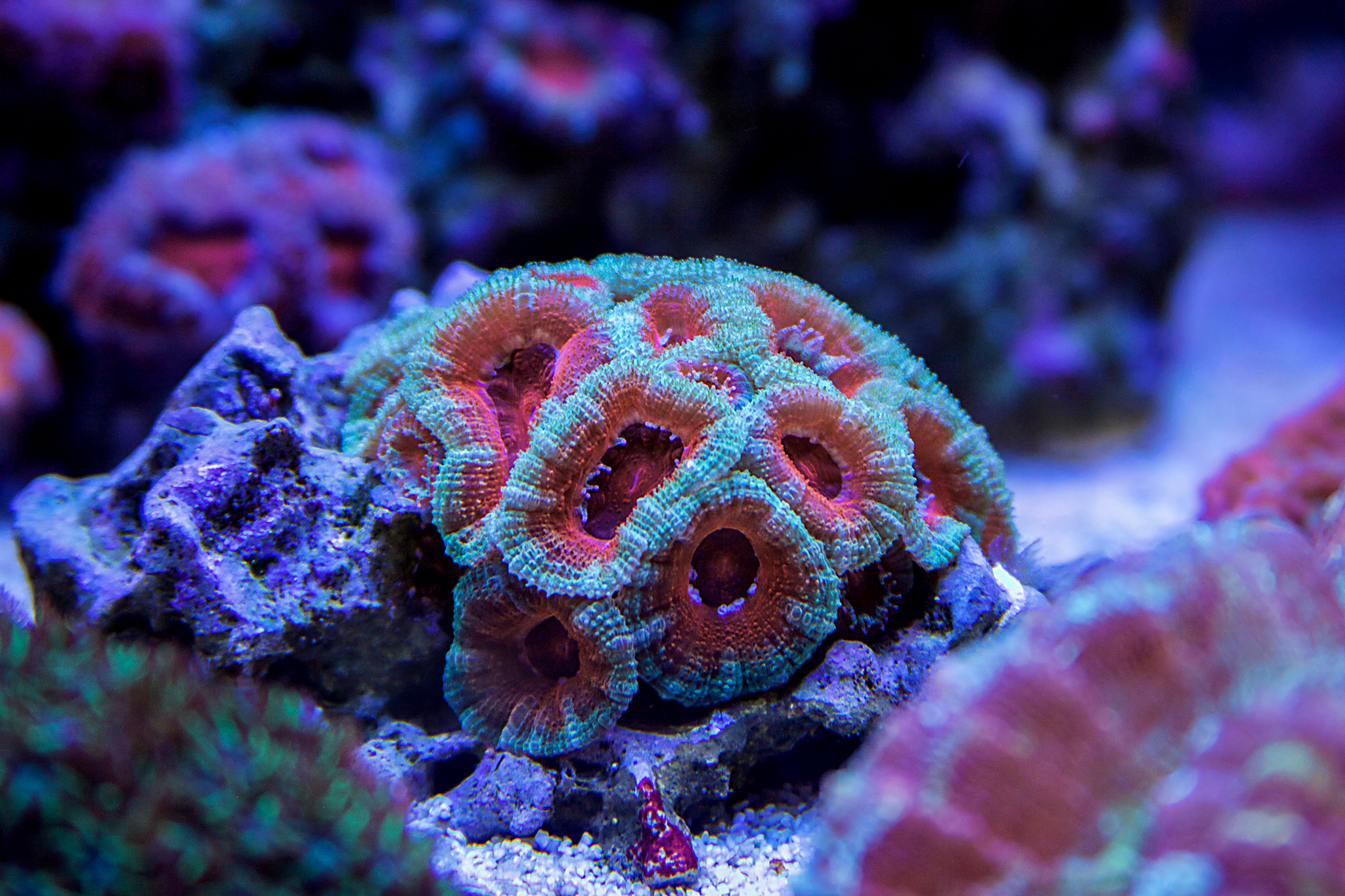 IMG_5735 (1) by Toby Broadfield, on Flickr
 IMG_6179 by Toby Broadfield, on Flickr
 IMG_6285 by Toby Broadfield, on Flickr
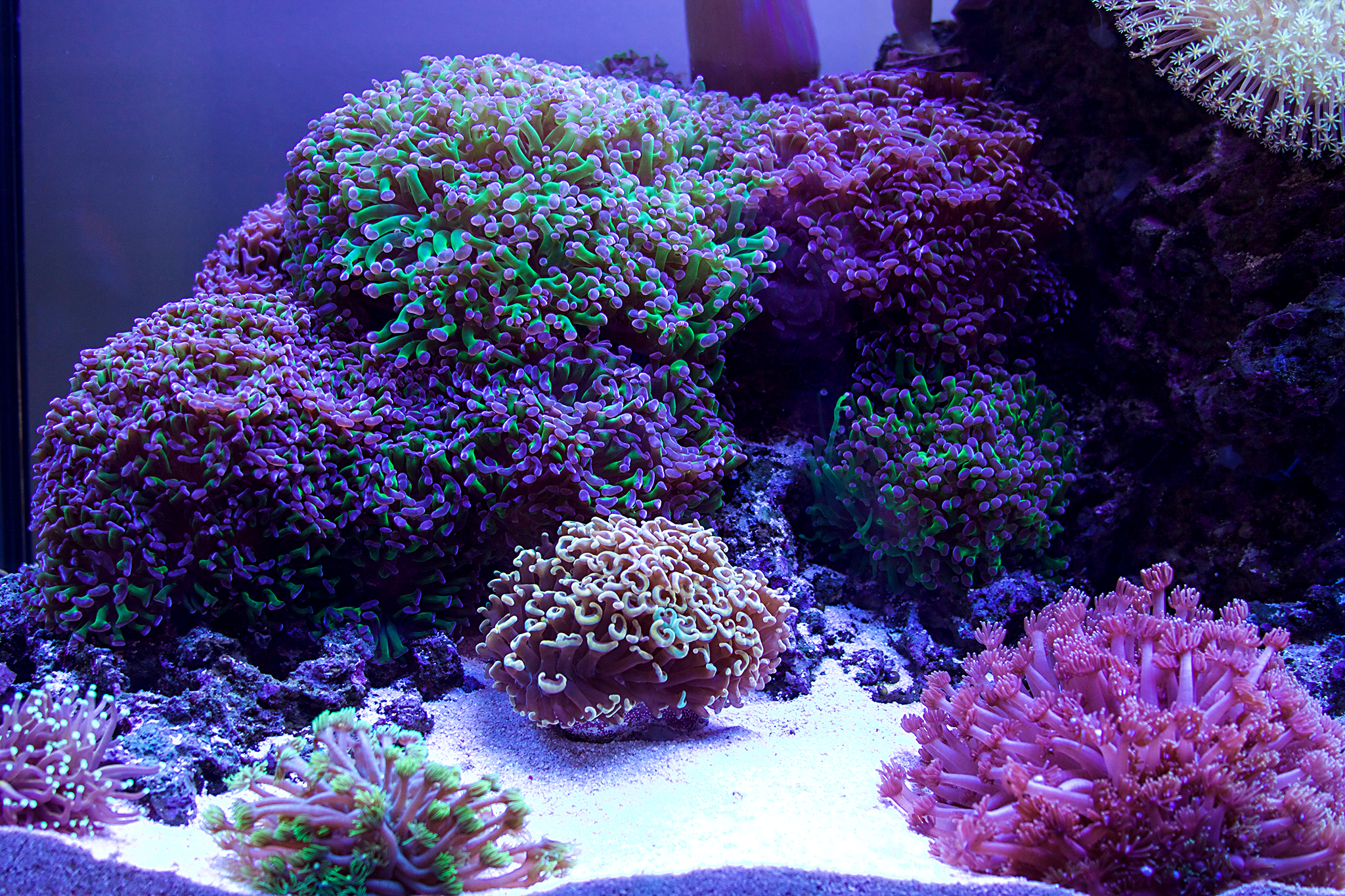 IMG_6123 (2) by Toby Broadfield, on Flickr
 IMG_4421 by Toby Broadfield, on Flickr
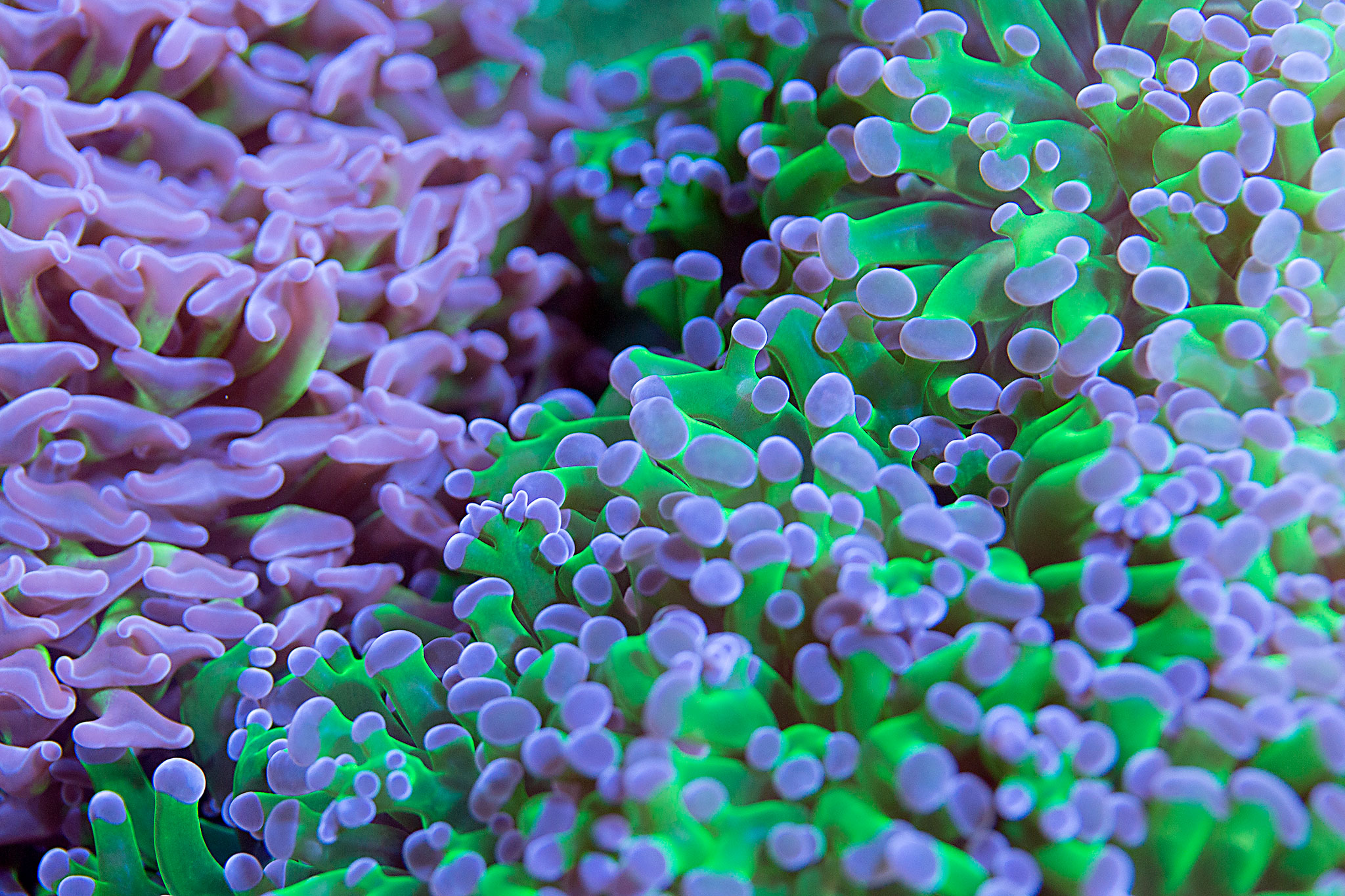 IMG_4357 by Toby Broadfield, on Flickr
 IMG_5803 copy by Toby Broadfield, on Flickr


Any tips you can share with us? Best tip I got was don't take any more pics of tank while naked.I'm definitely no photographer, but I'm trying. Recently had a good friend teach me some things about shooting reef tanks... so still trying to apply those. One of my main problems is focusing. I think they are good when I take the shot, but realize that most of them are barely out of focus when I upload them to my computer. At any rate, most of these were taken with my Canon 50D and the kit lens 28-135. The others were taken with a Canon 70D(just the newer version of the 50D) and a 24-70.

Yes please, get the good tips coming!!Any tips you can share with us? Best tip I got was don't take any more pics of tank while naked.

Any tips you can share with us? Best tip I got was don't take any more pics of tank while naked.

Well, you got my attention lol.
- Shoot in RAW if possible.
- Turn off all pumps and power heads.
- First thing is to set white balance. It's handy if you have LED lighting and you can turn mostly white LEDs on. Then take a picture of only your sand(assuming your sand is white) in the frame... it does not need to be in focus. You will then use this image for your custom white balance setting.
- Use Aperture Priority setting on the camera... Canon is "Av" and Nikon is "A" I believe.
- Iso to 400.
- Sometimes I like to shoot slightly underexposed then adjust it later in Photoshop if needed.
That's it for the camera settings. Take some test shots just to make sure the white balance is correct... the image on your camera screen should look like it does in person. A tad bit of editing in Photoshop and you are pretty much good to go. In Photoshop you can adjust white balance if needed. Then vibrance a tad if the coral doesn't pop in the image like it does in real life. Unsharpen Mask is a handy adjustment to get definition on individual polyps etc. It's hard to get that definition, at least for me, just from the shot... I'm not that good yet. Start around "50" and work your way up from there if needed. You can also adjust clarity a bit if the image isn't in perfect focus... which I struggle with that still. Adjustments are endless in Photoshop, but I don't do much really.
Like I said, I really haven't perfected anything yet, but I at least feel like I can post up pics and not feel like they look like total garbage lol.









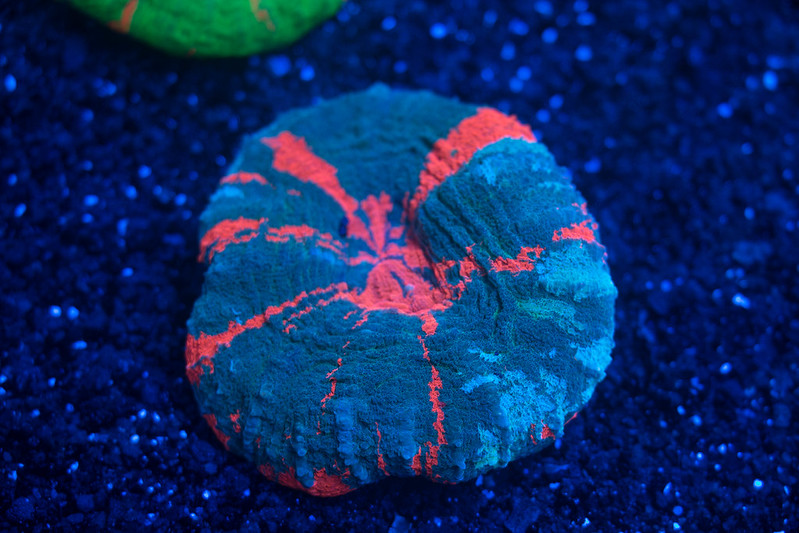


 _DSC5698









